How to reset my password

You can reset your password on the web or in the mobile app.
Option 1 - Reset Password on the web
1
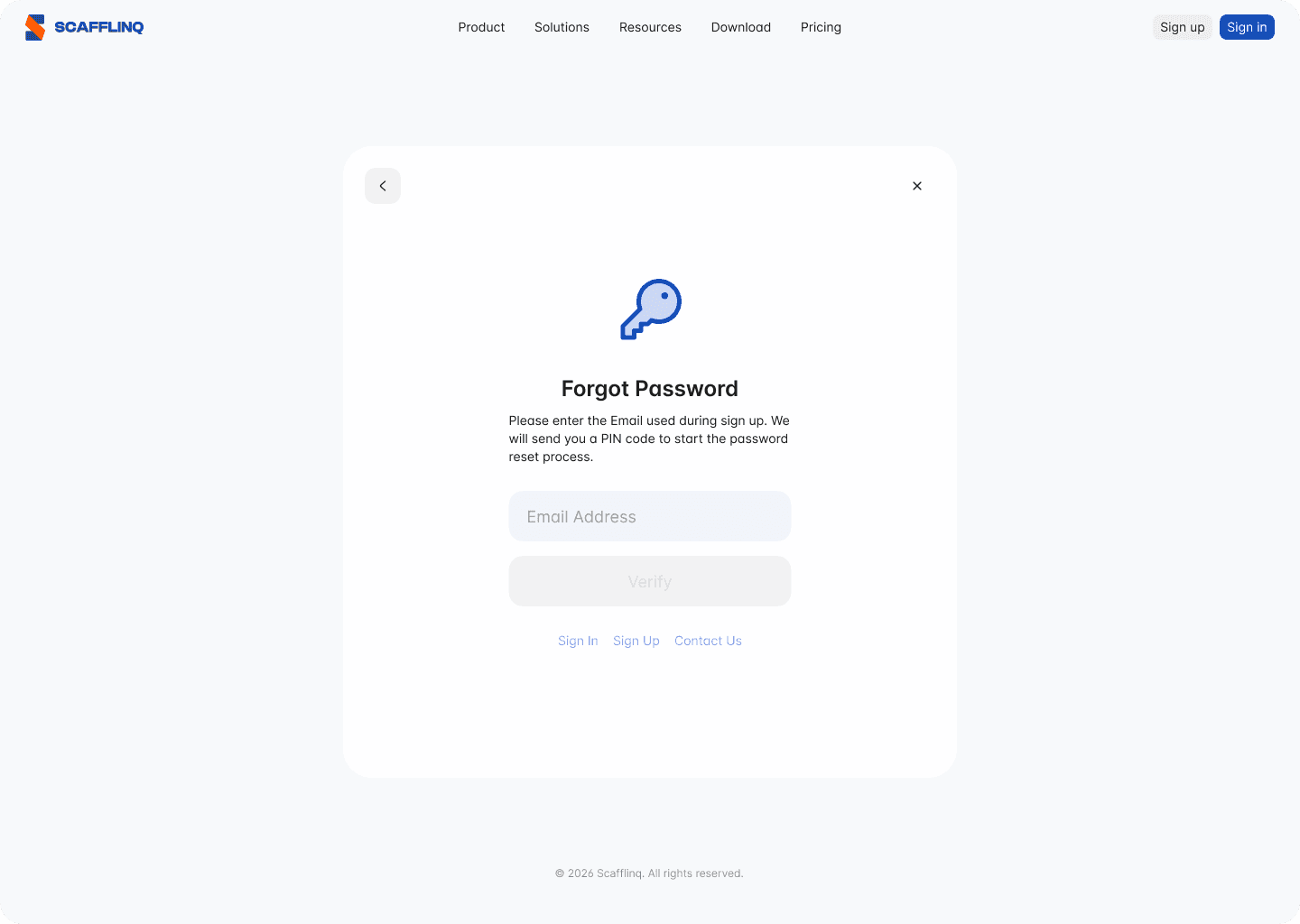
Navigate to https://app.scafflinq.com/signin and click Forgot Password
2
Enter the email address you used to sign up for Scafflinq.

3
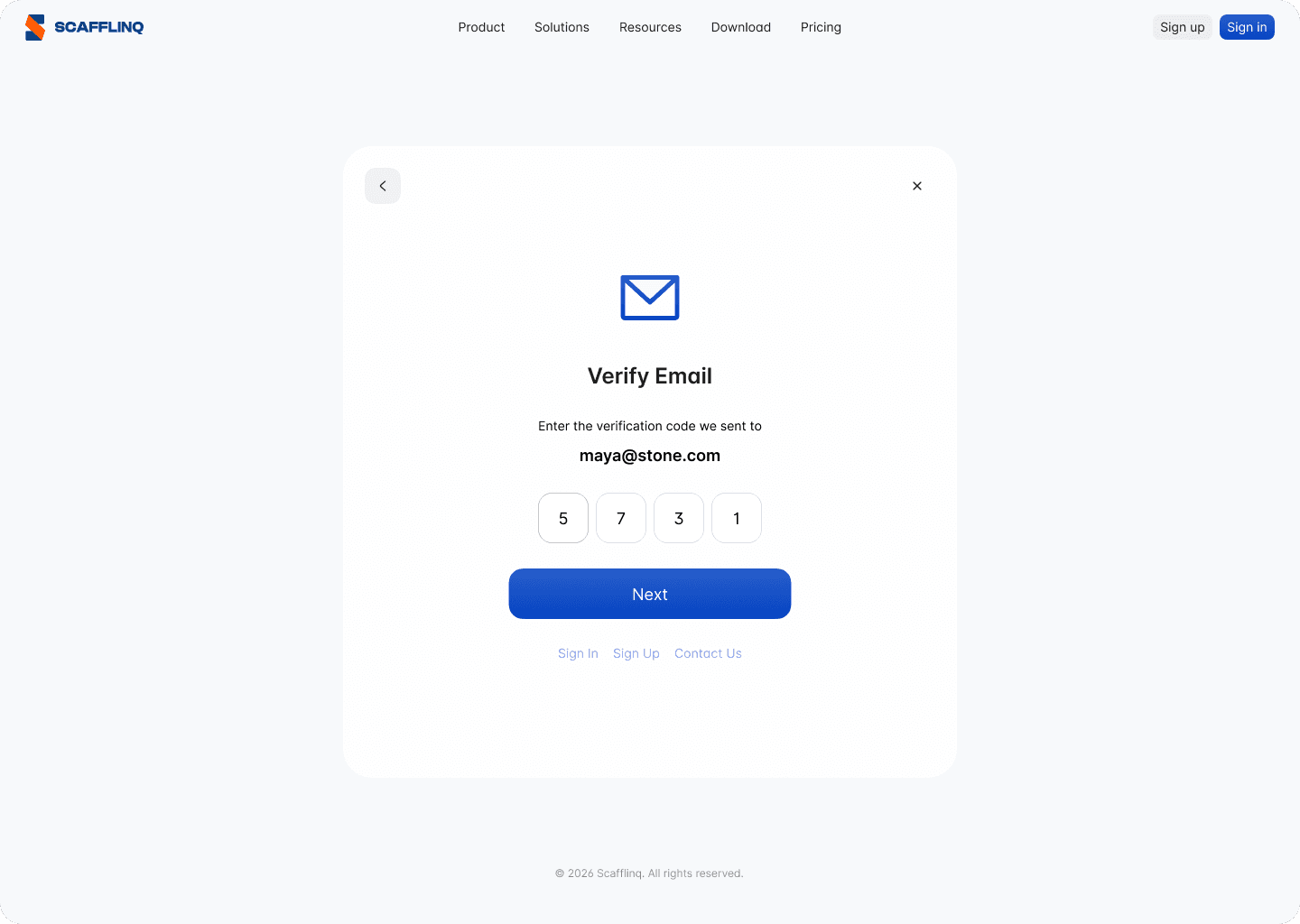
Check your email for the Scafflinq verification code. If it's not in your inbox, please check spam/junk folders.
4
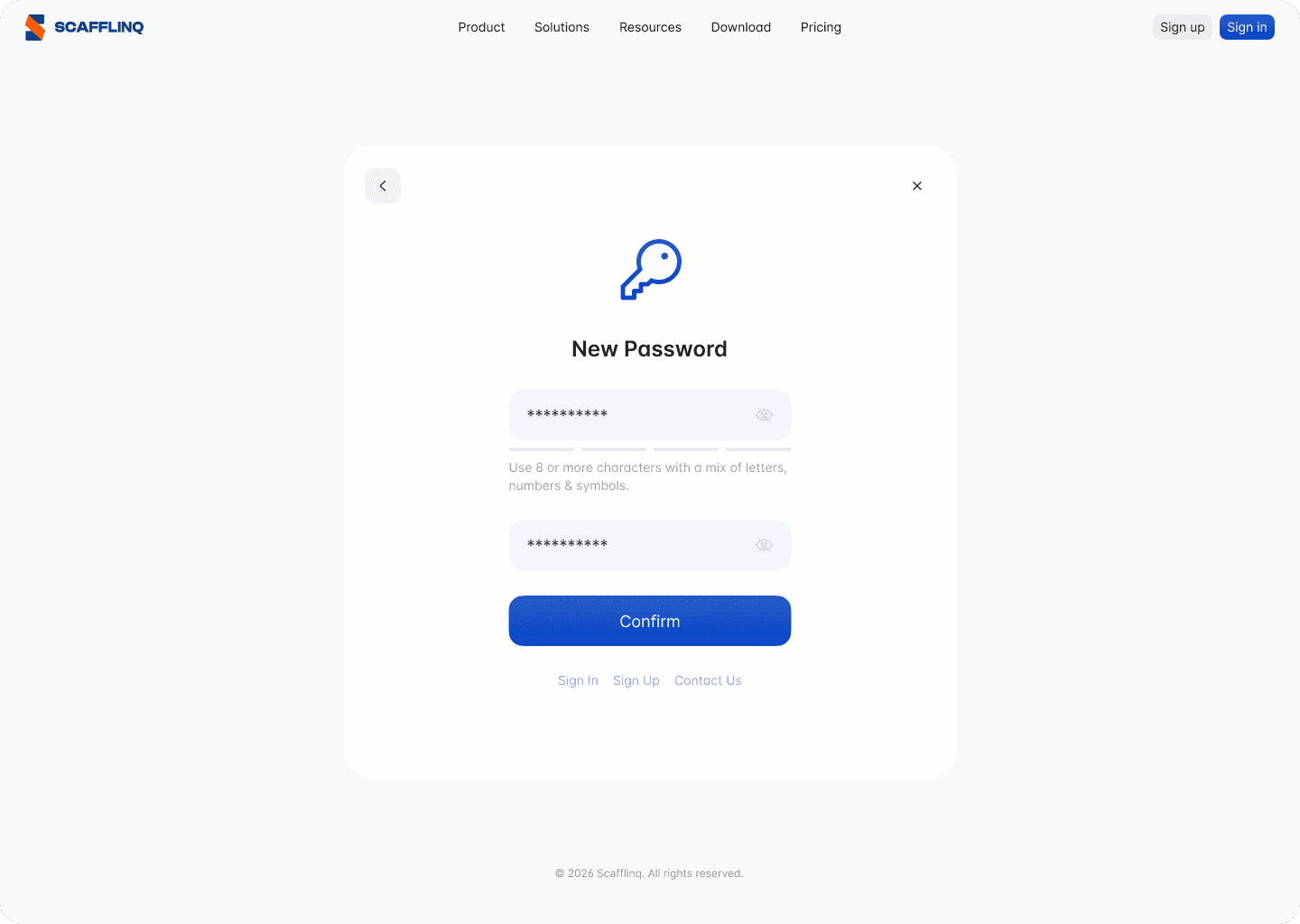
Provide a new password (Use 8 or more characters with a mix of letters, numbers & symbols.)
Option 2 - Reset Password in the mobile app.
1
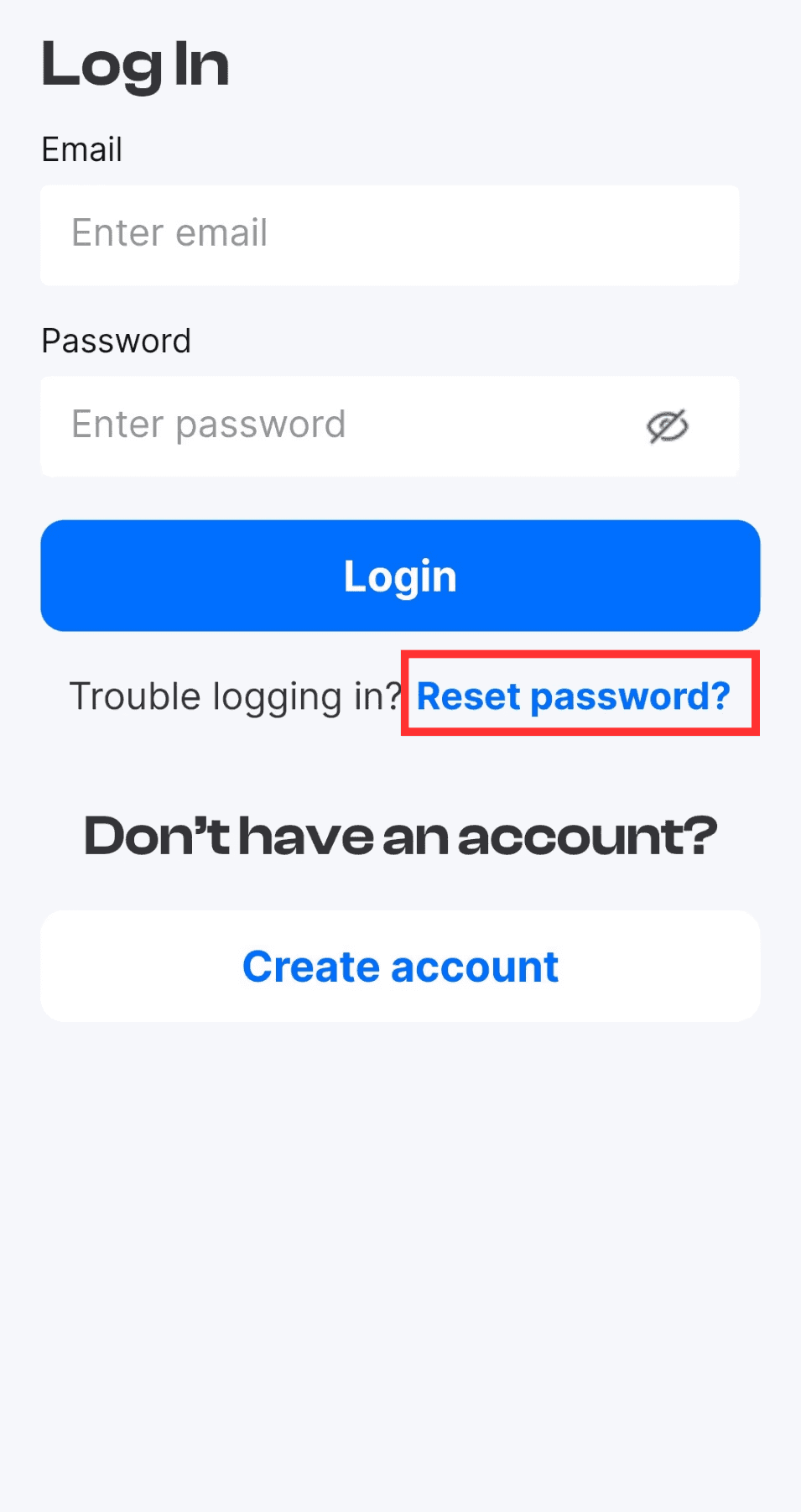
Tap Reset password on the login screen of the Mobile App
2
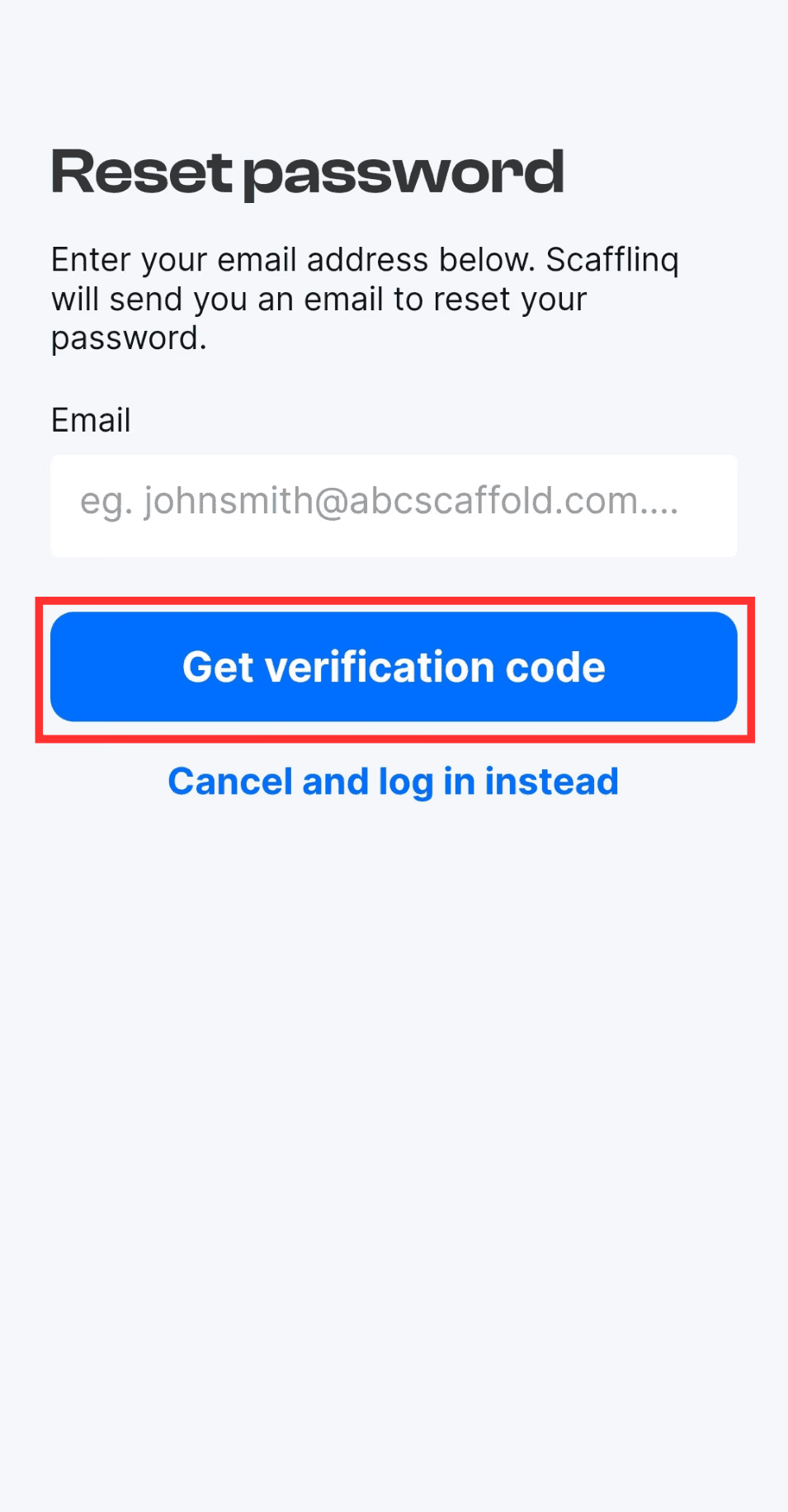
Enter your email address and Tap Get verification code
3
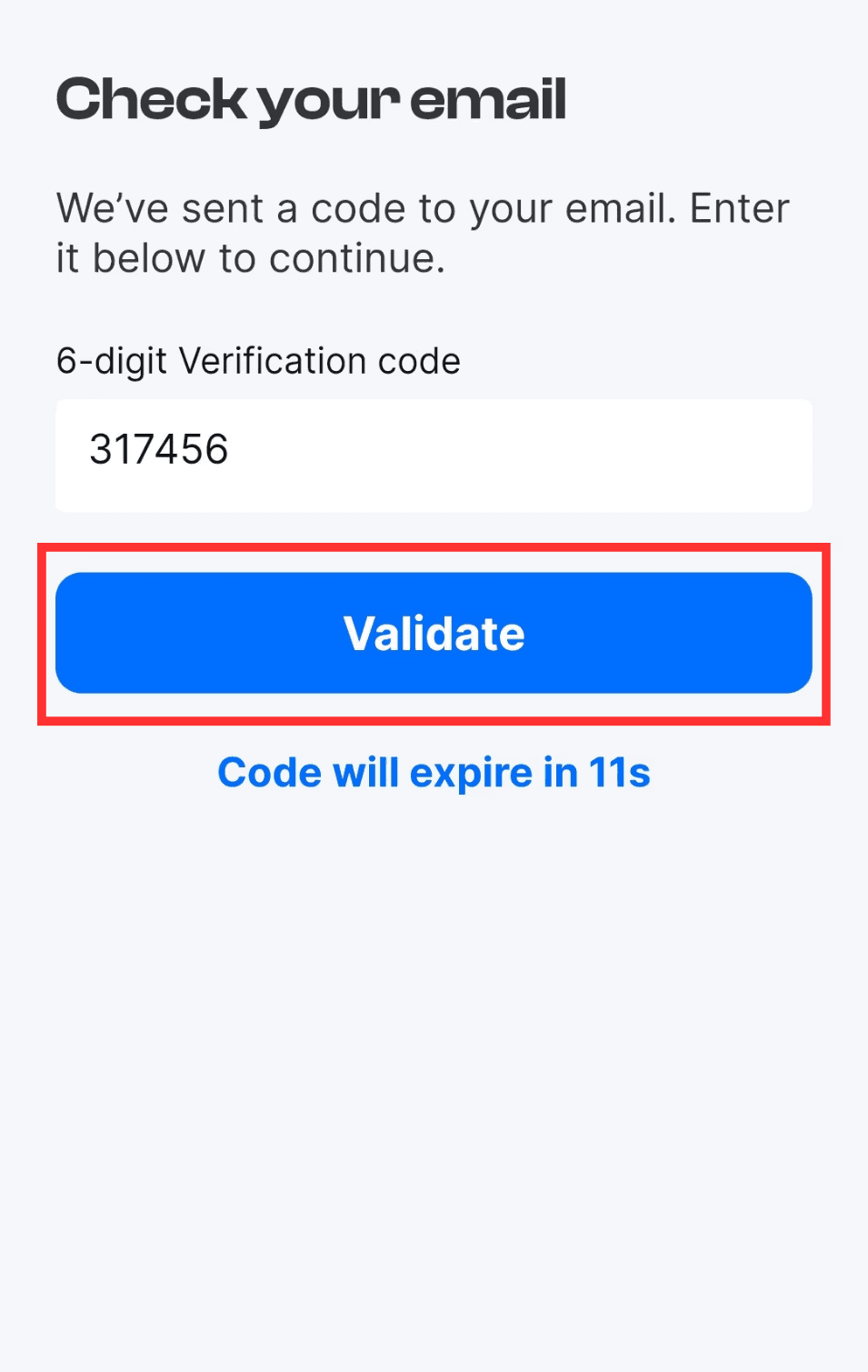
Enter the 6-digit verification code you received in your email and Tap Validate.
4
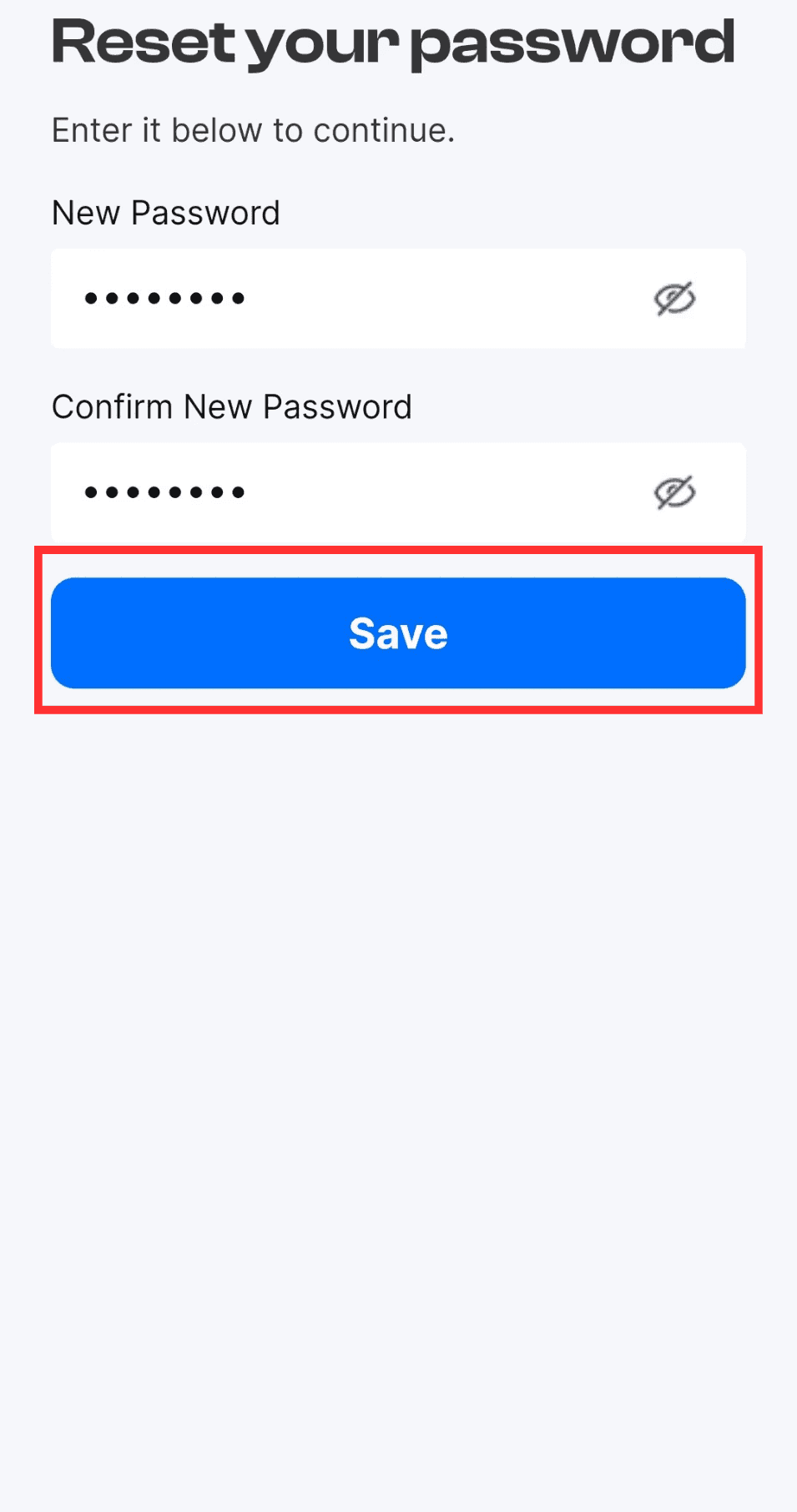
Enter and confirm your New Password