The scaffold register
One consolidated view of every scaffold, built for compliance and ready to export.
Scaffold registers aren't optional. Whether you're working under Australian WHS regulations, the UK's Work at Height Regulations, or Gulf-region requirements, the expectation is the same: documented inspections, accurate records, and the ability to produce them when asked. That data has always lived in Scafflinq. Now it lives in one place.
The Scaffold Register
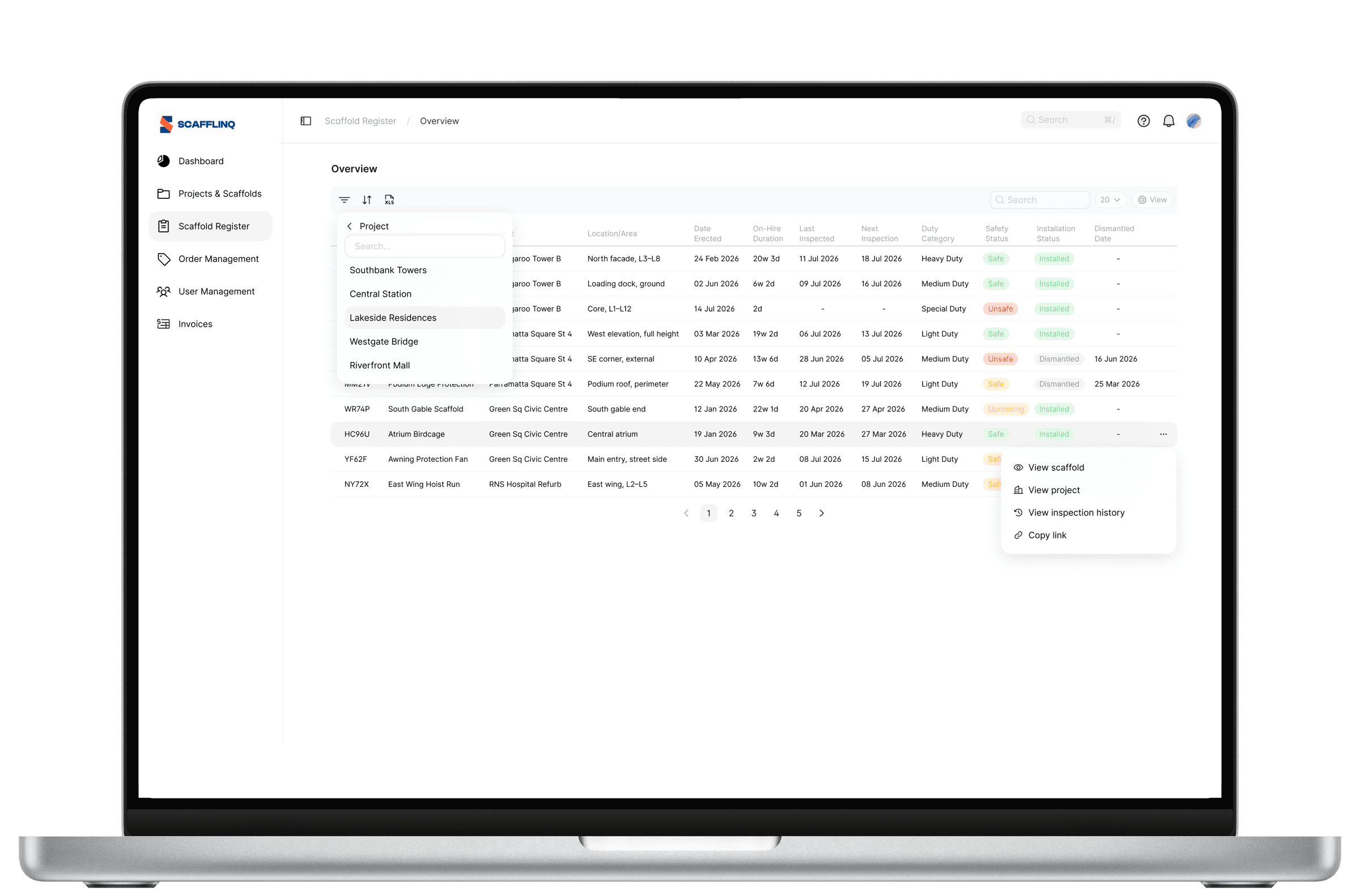
Introducing the Scaffold Register: a single, consolidated view of every scaffold in your account.
Log into the web portal and select Scaffold Register from the left-hand menu. You'll see all of your scaffolds together, with everything a register is expected to hold:
- Tag ID, Scaffold, Project, and Location/Area
- Date Erected, On-Hire Duration, and Dismantled Date
- Last Inspected and Next Inspection dates
- Duty Category, Safety Status, and Installation Status
No more jumping between projects to piece together the full picture. Whether it's a client asking what's currently standing, an auditor requesting your register, or your own team reviewing on-hire durations, the answer is one click away.
The Scaffold Register is available to Admins and Managers.
Because your scaffold register shouldn't be something you assemble. It should be something you open.
The register is built to be worked with, not just looked at.
- Filter on any column to narrow the register to exactly what you need: a single project, a duty category, scaffolds due for inspection, or anything else
- Export the full list to Excel for reporting, client submissions, audits, or whatever your workflow requires
Your data, your format, your call.
Because a register is only useful if it answers the question you're actually asking.

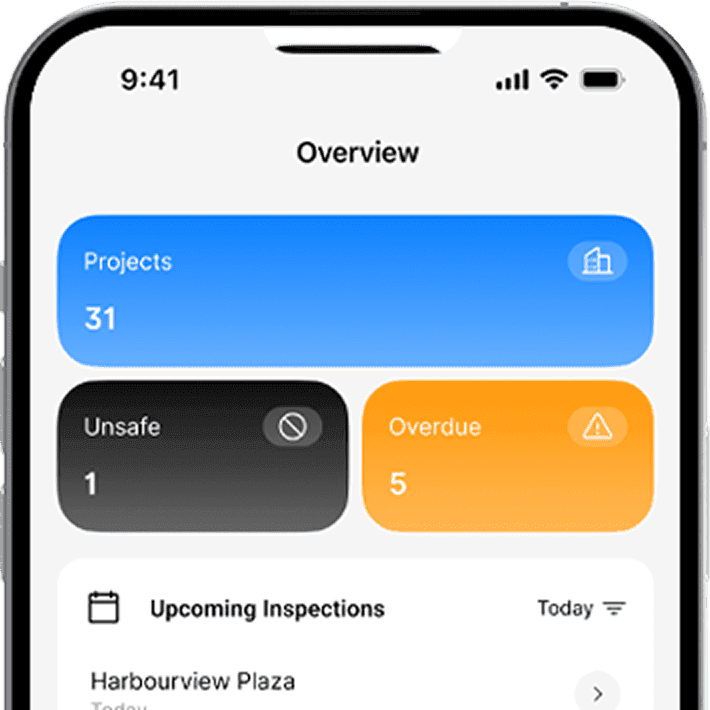
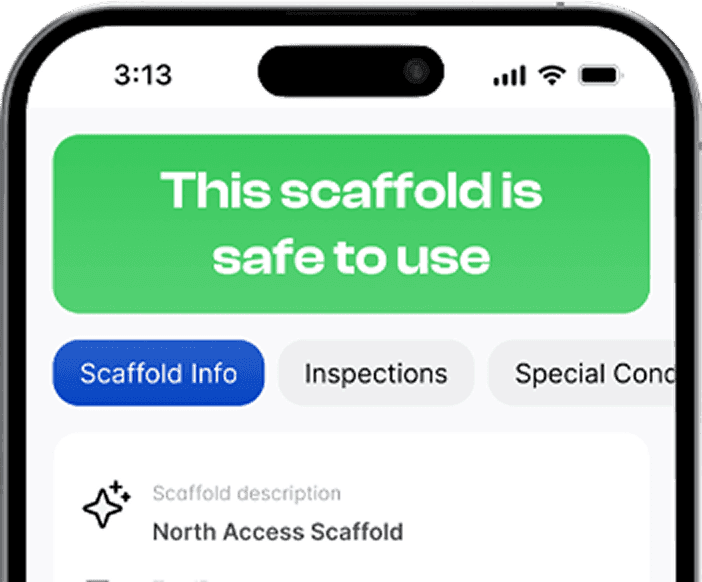
Put Scafflinq to work on site
Start free with 5 digital scafftags, or book a demo to see the full platform.