Amber tag warnings and clearer status
Introducing configurable amber warnings and clearer “unsafe” reasons on every scaffold.
We’ve been busy refining Scafflinq to give you clearer visibility and faster decisions. This update makes it easier to see what needs attention before inspections become overdue and exactly why a scaffold is unsafe when it turns red.
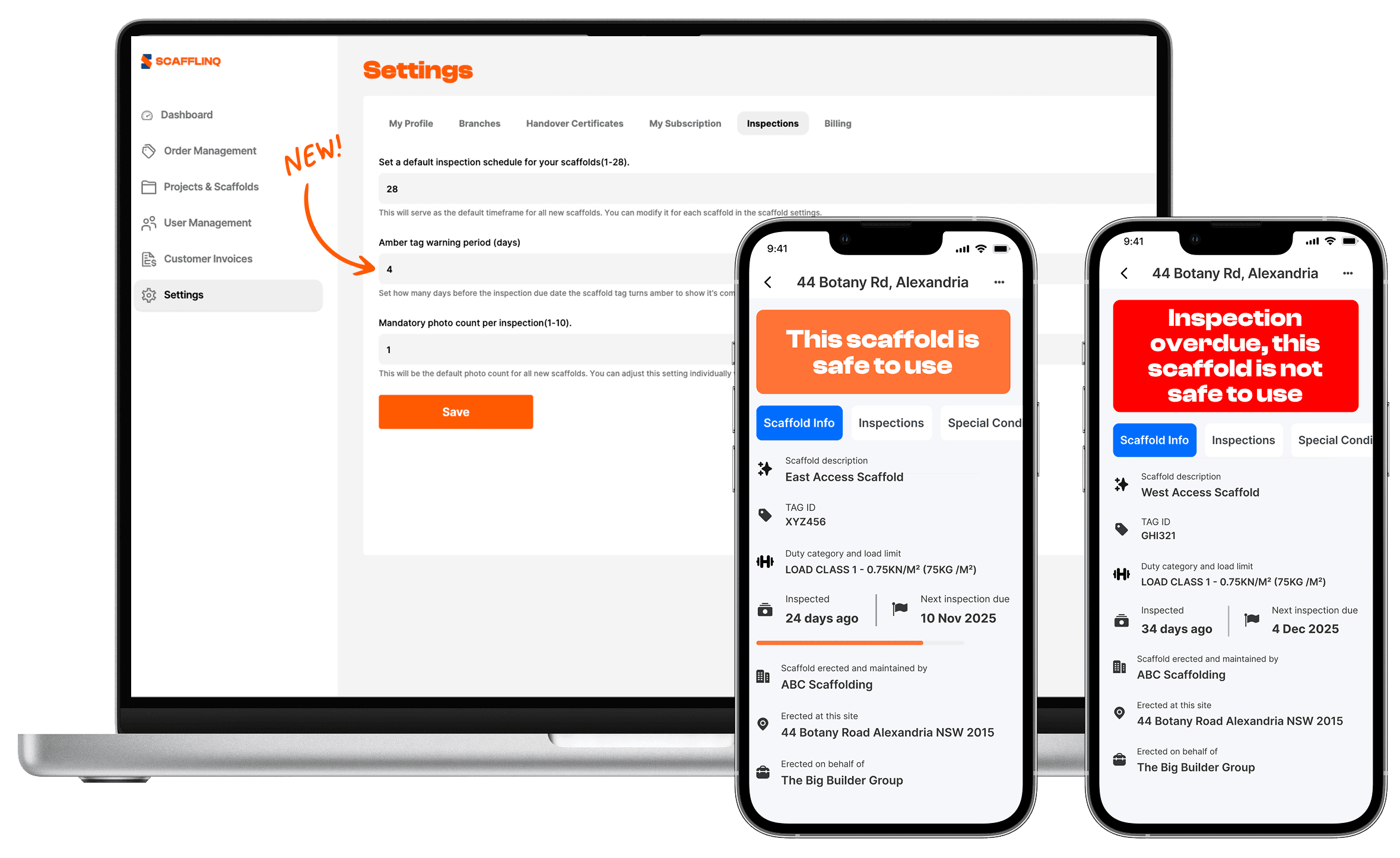
Amber tag warning period (days)
You’ll now see a new setting under Settings > Inspections:
Amber tag warning period (days) Set how many days before the inspection due date the scaffold tag turns amber to show it’s coming up for inspection.
This creates a simple traffic light system on each scaffold:
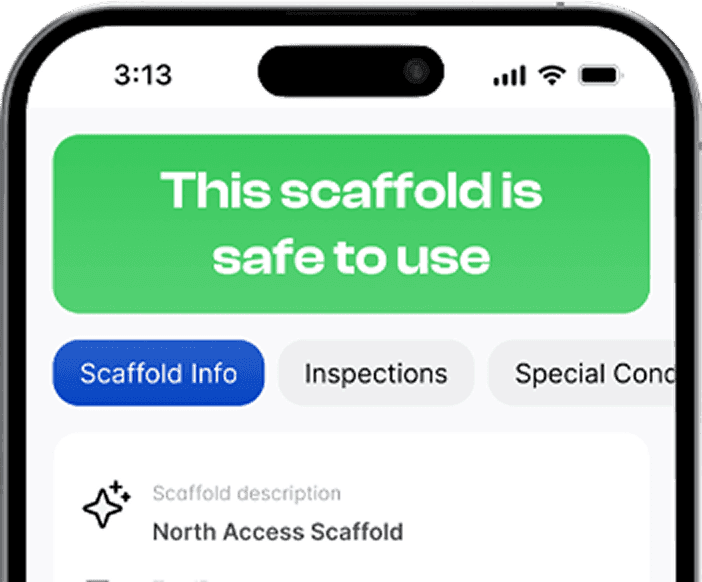
🟢 Green – “This scaffold is safe to use”
🟠 Amber – “This scaffold is safe to use”
🔴 Red – scaffold is not safe to use, with two distinct messages so you know why:
- Message: “This scaffold is not safe to use”
- Shown when an inspection has been carried out and the scaffold is deemed unsafe.
- Message: “Inspection overdue, this scaffold is not safe to use”
- Shown when the inspection due date has passed and no inspection has been recorded.
This distinction is designed to make it crystal clear whether a scaffold is unsafe because it failed an inspection, or simply hasn’t been inspected in time.
How it works in practice
On a 30-day inspection cycle (4-day amber period):
- Green: Days 1–26
- Amber: Days 27–30
- Red: After Day 30
On a 14-day inspection cycle (4-day amber period):
- Green: Days 1–10
- Amber: Days 11–14
- Red: After Day 14
Why we’ve built this
✅ Gives supervisors/inspectors a clear "heads up" window to plan inspections
✅ Reduces last-minute scrambles and unplanned downtime
✅ Makes it obvious why a scaffold is unsafe at a glance
✅ Keeps everyone on site aligned with a familiar traffic-light system
You can start using this today by updating the Amber tag warning period (days) under Settings > Inspections in Scafflinq.

Put Scafflinq to work on site
Start free with 5 digital scafftags, or book a demo to see the full platform.