Additional access tags
One scaffold, one inspection record, as many physical tags as your access points need.
On a commercial site, a scaffold usually has one way up. On industrial scaffolds, it's a different story: a north stair, a south stair, an east ladder, a west platform, sometimes internal access too.
For compliance, every one of those access points must clearly display the scaffold's status, so workers can verify it's safe before they climb.
Until now, Scafflinq assumed one tag per scaffold. Today, that changes.
Additional Access Tags
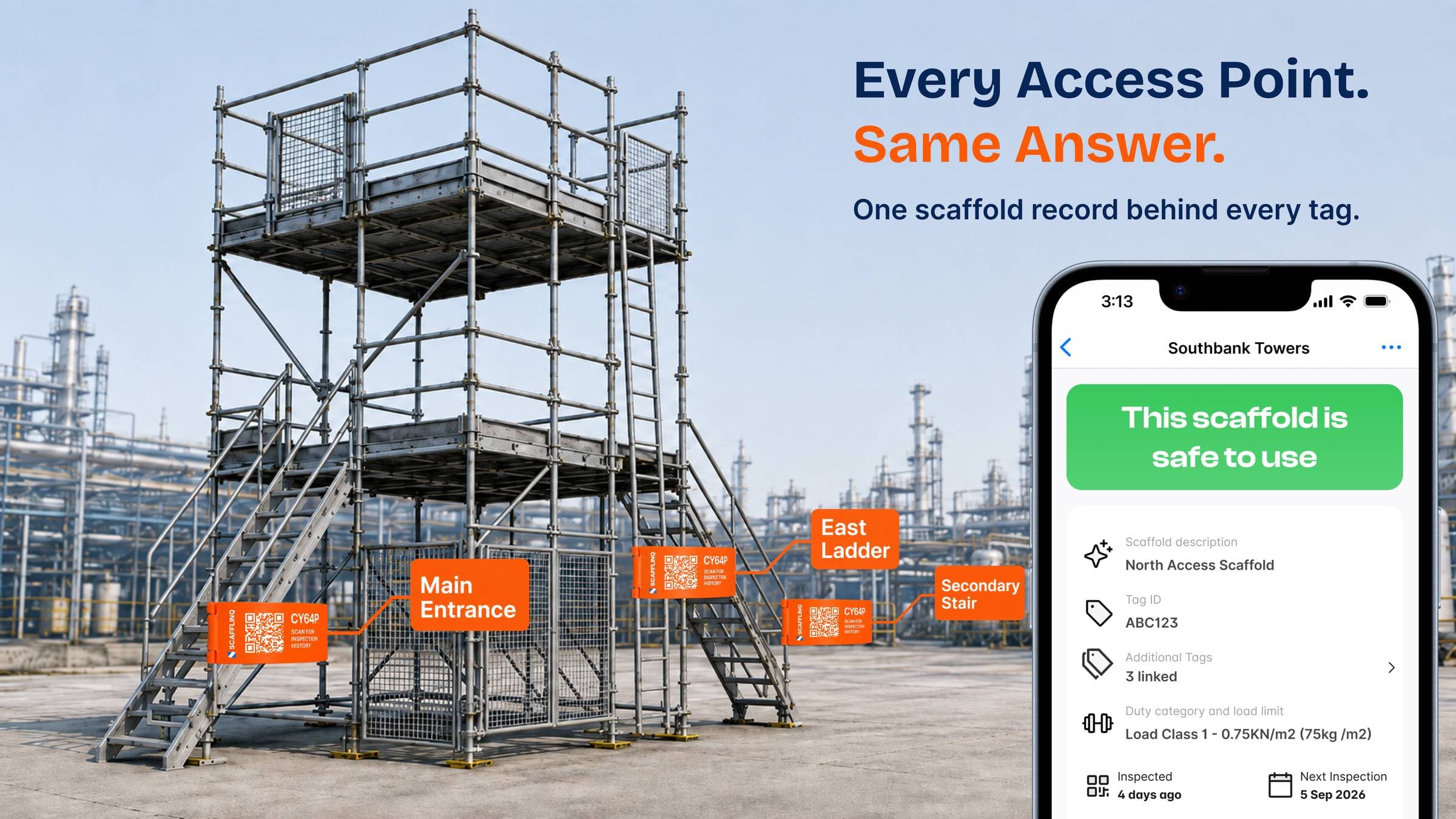
Introducing Additional Access Tags, built around one simple principle: One scaffold. One scaffold record. Multiple physical tags.
Every scaffold still has its Primary Tag, created with the scaffold as always. Now you can add Additional Access Tags for every other access point: name them for the point they mark (North Stair, East Ladder, wherever workers get on), and attach them to the scaffold.
Here's the important part:
- Every tag has its own unique QR code
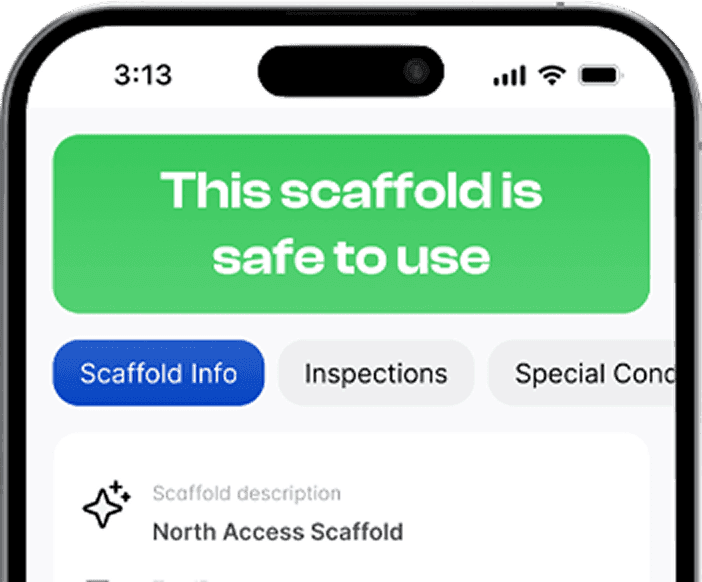
- Scanning any tag opens the exact same scaffold record: current safety status, next inspection, inspection history, restrictions, and certificates
- Inspections belong to the scaffold, never to an individual tag, so there's one inspection history and zero duplicate records
- Workers see the same answer at every access point
Nothing changes for scaffolds with a single access point. If you never add an additional tag, Scafflinq works exactly as it does today.
Ready to use it? Turn on "Allow multiple tags per scaffold" under Settings → Scaffolds & Inspections in the Admin Portal.
Because a worker at the south stair deserves the same answer as a worker at the north stair.

Put Scafflinq to work on site
Start free with 5 digital scafftags, or book a demo to see the full platform.