How to set up inspection reminders
Inspection reminders can only be configured on the mobile app.
1Log in to the Scafflinq mobile app and tap
Settings in the bottom menu.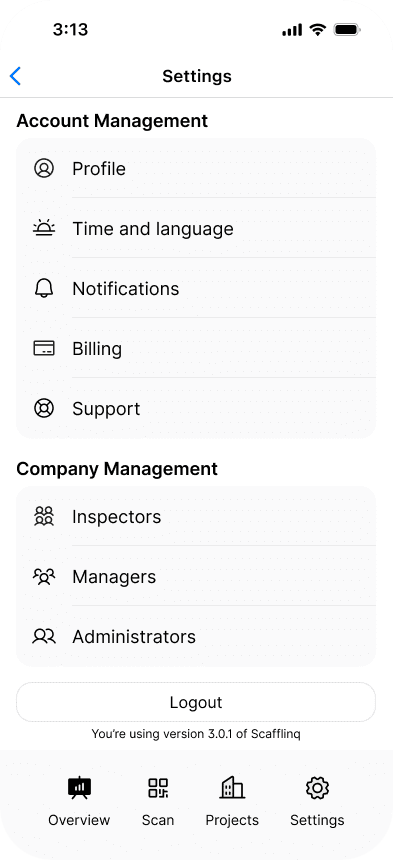
2Tap
Notifications, then update your reminder preferences. You can choose how many days before an upcoming inspection you would like to receive a reminder, and whether you want to be notified via the app, email, or both.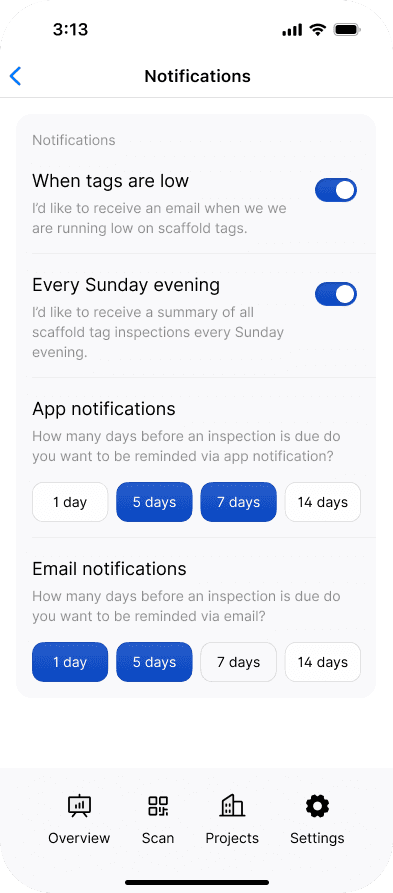
3Your selection is saved automatically. Swipe down on the drawer menu to close it and return to the previous screen.
Still got questions?
Pick whichever suits, we’ll get back to you either way.