You can create your project in two ways: on the web or in the mobile app.
Project fields explained
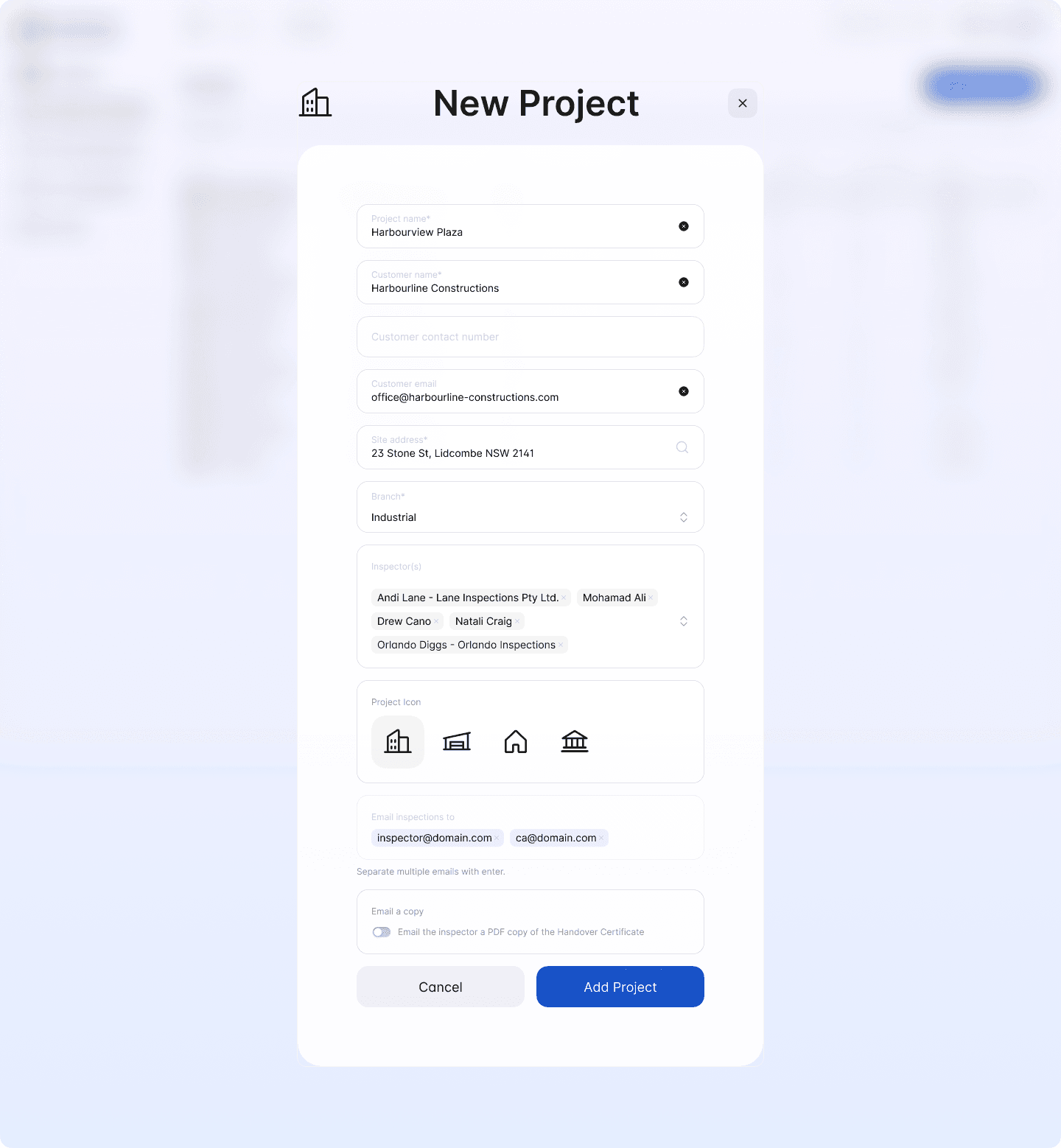
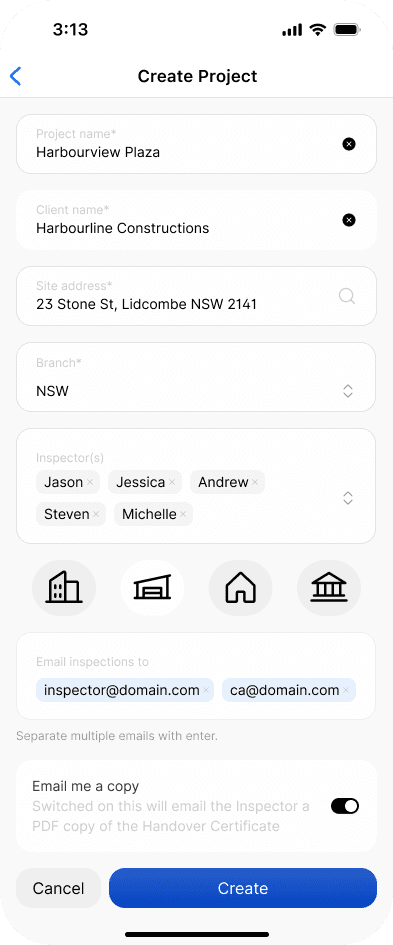
When adding a project, you’ll be asked to complete the following fields.
Field | Meaning |
|---|---|
Project name | The name used to identify the project in Scafflinq. |
Customer name | The customer, builder, or organisation associated with the project. |
Customer contact number | The contact number for the customer, builder, or organisation associated with the project. This is useful when exporting reports to Excel. |
Customer email | The email address for the customer, builder, or organisation associated with the project. This is useful when exporting reports to Excel. |
Site address | The site or location where the project work is taking place. |
Branch | The branch this project belongs to, if you’re using branches. |
Inspectors | One or more inspectors who should have access to this project. |
Project icon | The icon used to identify the project throughout Scafflinq. |
Email inspections to | One or more email addresses that inspection certificates should be sent to for this project. These can include back-office staff, customer contacts, builder contacts, or other relevant recipients. |
Email a copy | If enabled, the inspector conducting the inspection will always receive a copy of the certificate. |
Adding a project on the web
1
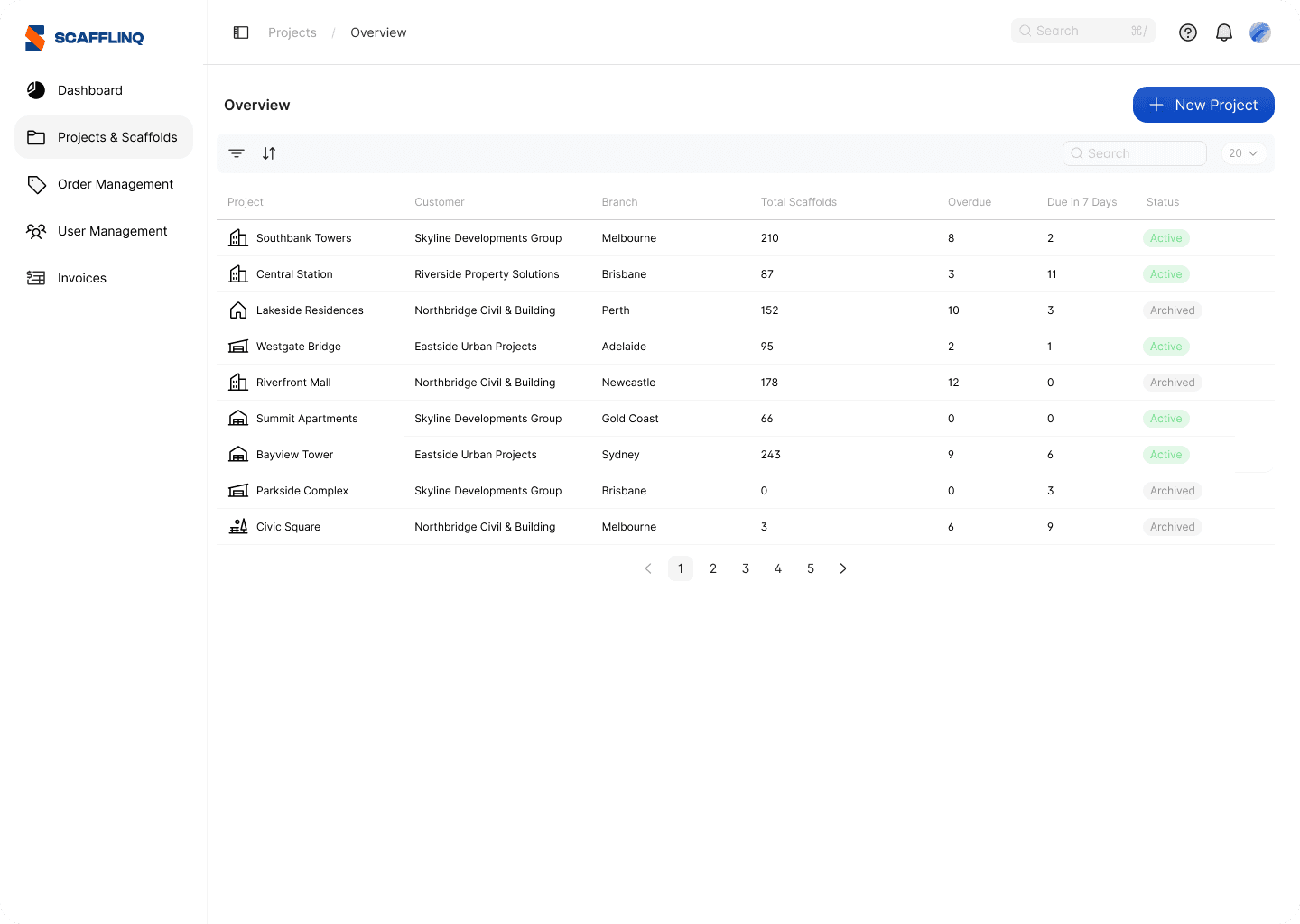
Login to your Scafflinq account at https://app.scafflinq.com/ and navigate to Projects & Scaffolds
2
Click on the + New Project button in the top right corner and fill out the form.
3
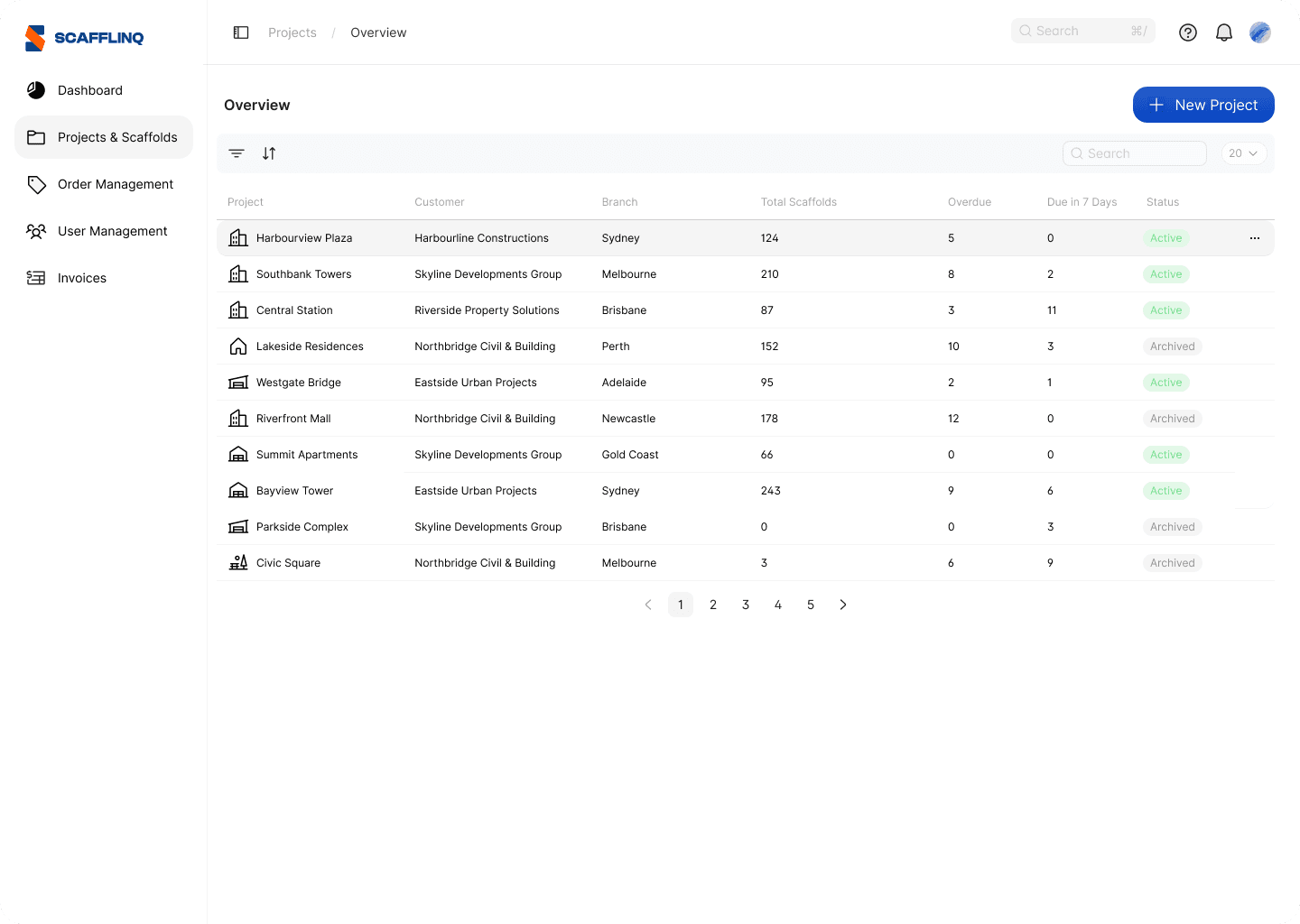
Your new Project will be added and can be seen in the Project list
Adding a project in the mobile app
1
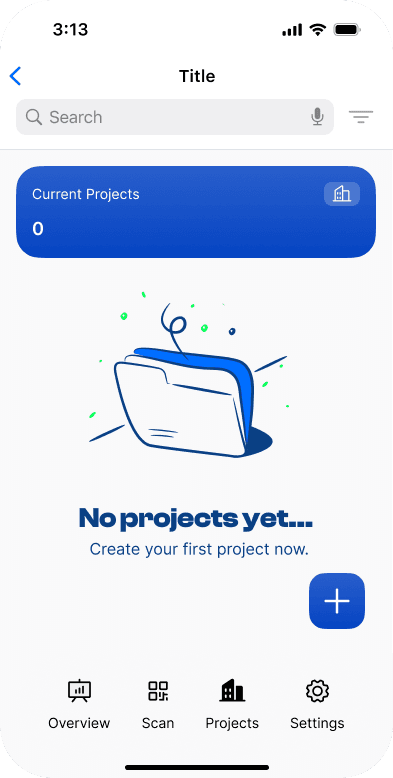
Login to the Mobile App and Tap Projects in the bottom menu
2
Fill in the Project details and Tap Create
3
Your new Project will be added and can be seen in the Project list

Related to Projects